Taxi App Software: How to Move From Phone Dispatch Without Breaking Operations
A phased migration guide for taxi companies replacing phone-only dispatch with rider booking, driver workflows, live fleet visibility, payments, and modern administration.
Taxi app software should modernize a fleet without discarding what already works. Phone customers still call. Dispatchers know local landmarks. Drivers have habits built around shifts, queues, cash, airport work, and repeat passengers. A forced overnight switch can turn good technology into a bad operating day.
The safer approach is a phased migration in which app bookings and phone bookings share the same drivers, pricing rules, trip records, and support view. Your team learns the new system while the old customer channel remains available. This guide shows how to plan that transition.
What should taxi app software include?
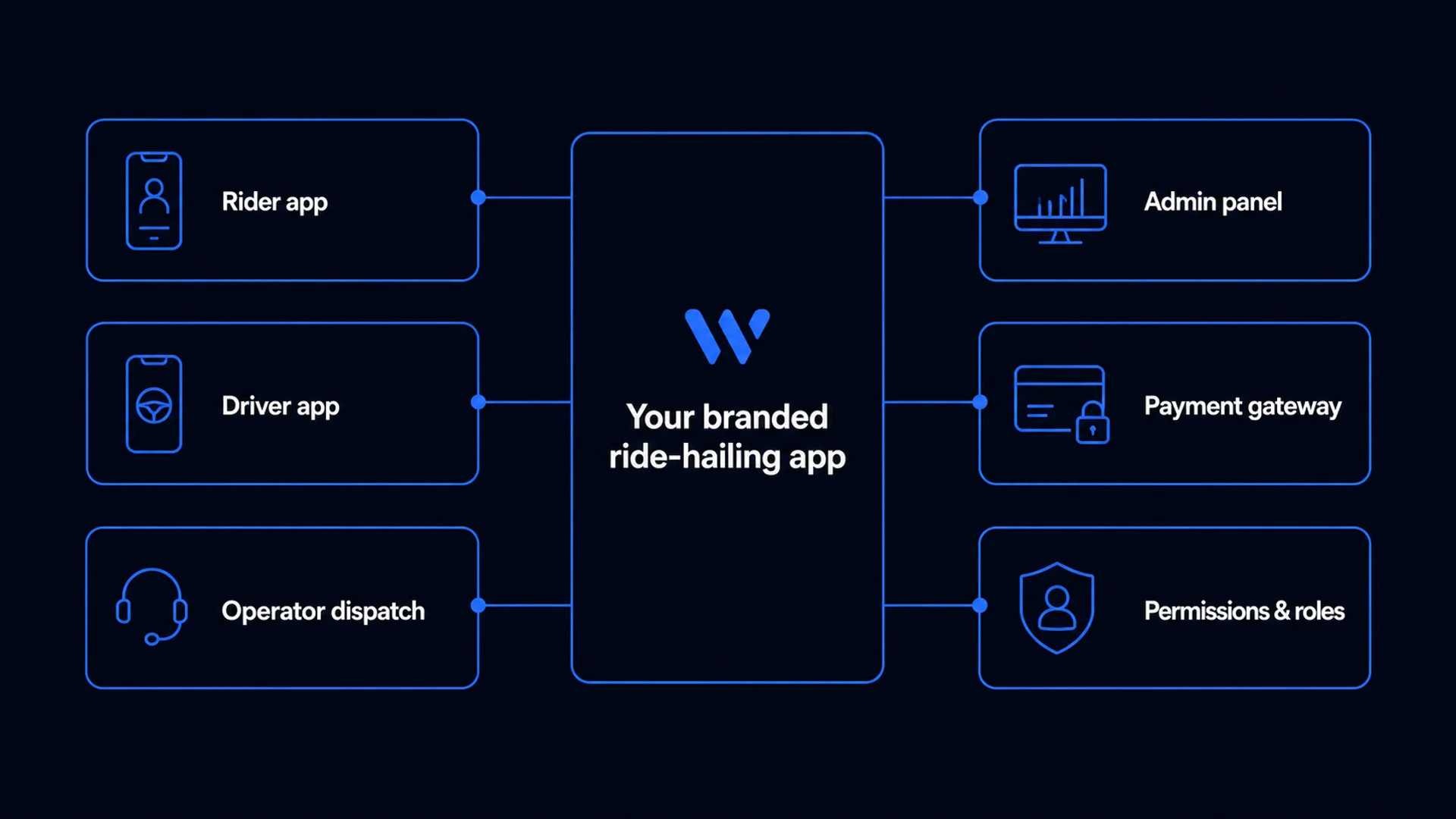
- A branded rider booking experience for instant and scheduled trips.
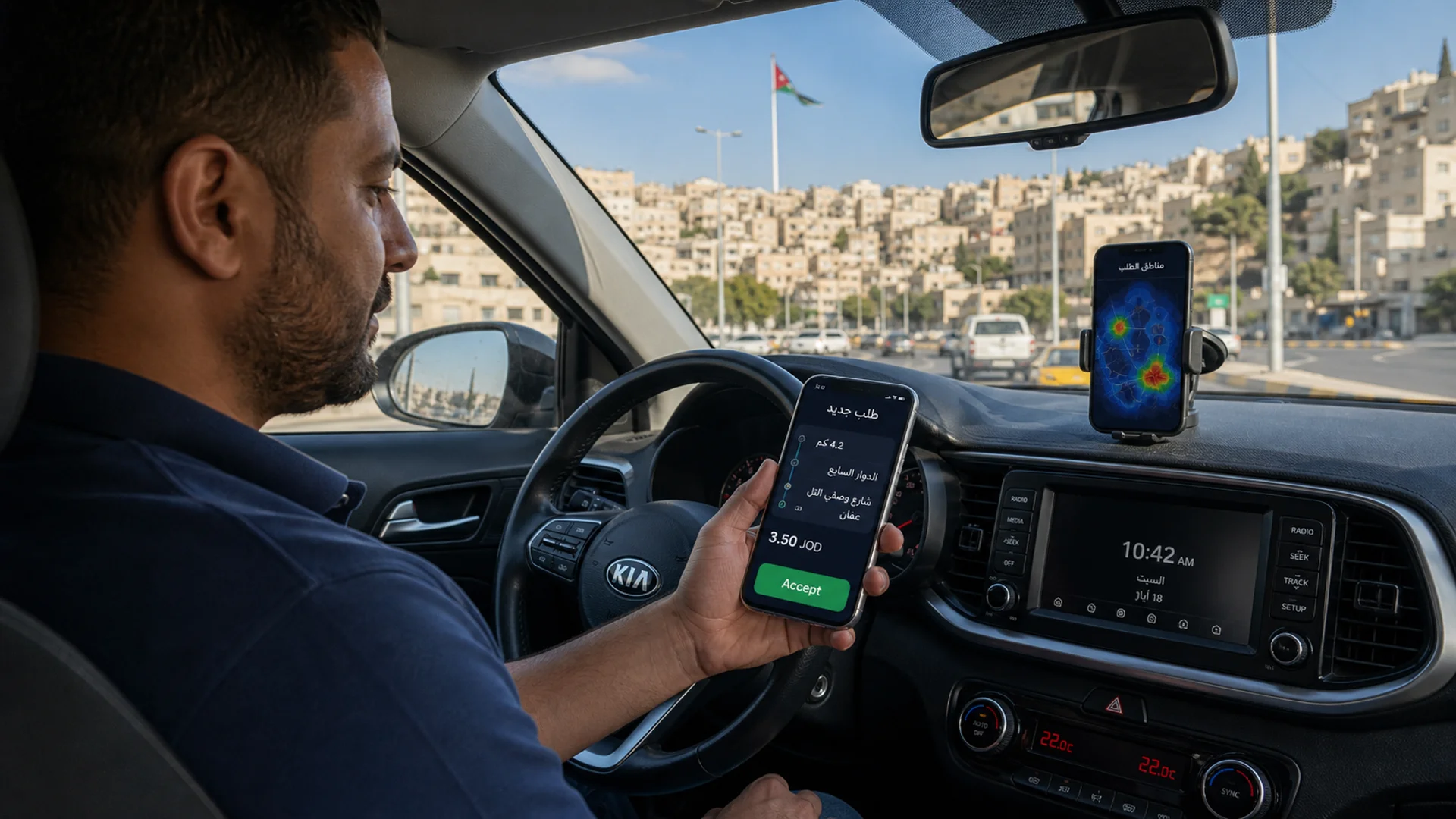
- A driver workflow for availability, trip offers, pickup, journey status, earnings, and support.
- A dispatch console for phone bookings, live fleet visibility, intervention, and monitoring.
- Administration for drivers, vehicles, services, prices, zones, permissions, payments, and reports.
- A backend that keeps every channel synchronized and records what happened.
These are not separate products. The value comes from one trip record moving through all of them. A call agent should be able to create a booking for a passenger without the app and assign it to the same eligible fleet that handles digital demand.
Phase 1: map the operation before configuring software
Document a normal weekday and a difficult one. Record how bookings arrive, how dispatch chooses a vehicle, which prices apply, how drivers start shifts, how cash is reconciled, how airport queues work, what support asks first, and who can authorize refunds or driver suspension.
- Booking channels and their share of demand.
- Vehicle classes, accessibility needs, capacity, and special services.
- Operating zones, landmarks, fixed routes, airport rules, and out-of-area trips.
- Metered, fixed, zone, time, distance, waiting, cancellation, and account pricing.
- Driver ownership, shifts, queues, commissions, balances, and payout routines.
- Corporate accounts, vouchers, cash, cards, local gateways, and invoicing.
Phase 2: clean data and configure one source of truth
Importing a spreadsheet is not enough. Remove duplicate drivers, expired vehicles, inconsistent phone formats, and service names that mean different things to different dispatchers. Decide which system owns each field after launch. If prices are changed in three places, they will eventually disagree.
Configure the minimum viable operating area first. One city with correct zones, prices, vehicles, and driver eligibility is more valuable than a national map filled with untested settings. Use a test environment and realistic accounts so the team can rehearse without contaminating production records.
Phase 3: train dispatchers on exceptions
Basic booking creation is easy to teach. Spend training time on the moments that create stress: no driver accepts, the passenger changes destination, the phone number is wrong, the driver arrives but cannot find the rider, a cash amount is disputed, or a scheduled trip is at risk.
- Create, edit, cancel, and monitor app and phone bookings.
- Understand automatic matching and when manual intervention is allowed.
- Read driver and rider status without relying on a separate chat or notebook.
- Escalate safety, payment, lost-item, and service complaints with an audit trail.
- Use role-based permissions so helpful access does not become unlimited access.
Phase 4: pilot with a representative driver group
Choose drivers who represent the real fleet: experienced and new, full-time and part-time, different vehicle types, different phone quality, and different comfort with technology. A pilot made only of enthusiastic drivers hides the support load you will face later.
Measure offer delivery, acceptance, arrival accuracy, cancellation, support contacts, battery and data concerns, payment completion, and driver understanding of balances. Fix unclear operating rules before adding more drivers; training cannot repair a contradictory policy.
Phase 5: invite riders without closing the phone line
Give repeat callers a reason to try the app: easier pickup, trip status, saved locations, payment choice, or a launch offer. Let agents explain it after completing the customer’s current booking. Do not punish customers who still need the phone, especially older riders, corporate desks, accessibility customers, or people with poor connectivity.
Metrics that reveal whether migration is working
- Share of bookings created by app, phone, web, or account channel.
- Time from request to driver acceptance and from acceptance to pickup.
- Driver offer delivery, acceptance, timeout, and cancellation rates.
- Bookings requiring manual dispatch intervention.
- Support contacts per 100 trips and the most common reasons.
- Payment success, cash discrepancies, refunds, and unresolved balances.
- Repeat rider rate and active driver retention after the pilot.
A successful taxi digitization does not eliminate the dispatch desk. It gives that desk one reliable view of every booking channel.
Common migration mistakes
- Launching every city, vehicle type, payment method, and customer segment at once.
- Buying rider screens without testing dispatcher and support workflows.
- Treating driver training as a download link instead of an operating change.
- Copying old prices into the new system without resolving contradictions.
- Removing phone booking before app adoption and service reliability are proven.
- Measuring downloads instead of completed, repeat, supportable trips.
How Waslni supports a phased taxi launch
Waslni connects a branded rider-and-driver app with dispatch and full web administration. Taxi companies can preserve call-center booking while introducing digital demand, configure service types and driver registration, control team permissions, and expand the rollout as operations become stable. The launch plan should reflect your fleet and country rather than force an overnight replacement.
FAQ: Can taxi app software keep phone bookings?
Yes. A dispatch console can create trips for callers and send them to the same driver pool used by app bookings. This is important for a gradual migration and for customer groups that continue to prefer phone service.
FAQ: How long should a taxi software pilot run?
Run it long enough to include normal demand, at least one peak period, shift changes, payment reconciliation, and real support cases. The decision should be based on operational evidence and resolved critical issues, not an arbitrary number of days.